Arcade
BLXBench minigames in the terminal — play from the shell or during a benchmark.
The BLXBench Arcade is a neon, keyboard-driven minigame layer inside the CLI. It is optional: benchmarks never depend on it.
Full TUI context: TUI · Command list: Commands.
Open the arcade
From the shell (any time)
Type /arcade in the interactive shell. You get the game select screen—no active run required, and you stay signed in with the same account.
| Key | Action |
|---|---|
| ↑ / ↓ or w / s or j / k | Move highlight |
| Enter or c or Space | Start the highlighted game (when ready) |
| Esc / q | Close arcade and return to the shell |
During a benchmark
While /run is in the protected execution phase (tests are actually executing), press a to open the same overlay. The run continues in the background; closing with Esc / q only leaves the arcade.
See also TUI — During a benchmark.
Retro-Pong
Retro-Pong is the first ready cabinet: synthwave paddles, ball, power-ups, and local score persistence.
| Key | Action |
|---|---|
| w / s or ↑ / ↓ | Move paddle |
| c / Enter | Start (attract screen) or confirm in menus |
| Esc / q | Exit the whole arcade overlay (back to shell or run dashboard) |
Sound (optional)
Paddle hits and out (scoring) use bundled MP3 assets next to the CLI binary (pong-assets/). Picking up a field item plays a short coin-style clip. Playback is best-effort: if mpv, ffplay (FFmpeg), or (macOS) afplay is on your PATH, sounds play in the background. Paddle hits are limited to about two seconds. With no player found, Retro-Pong stays silent.
If your terminal window is smaller than the game’s minimum size, the TUI shows a clear too small message until you resize—see Configuration for general setup.
Screenshots
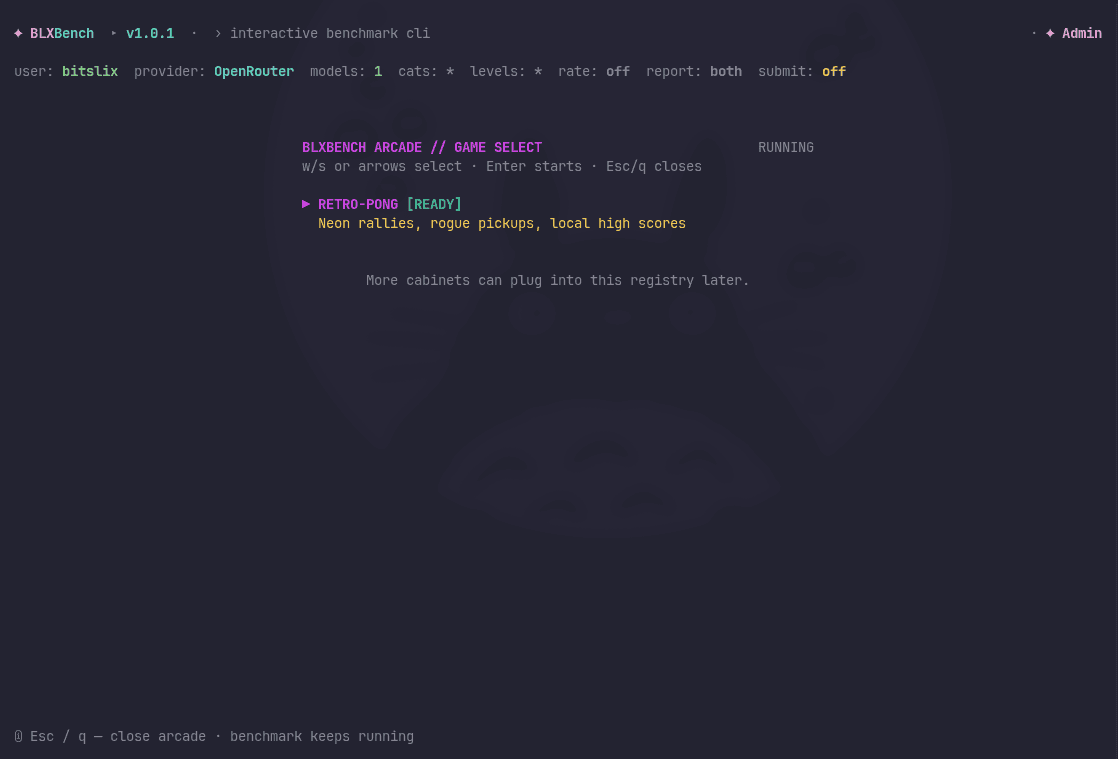
Game select (from /arcade or a during a run):
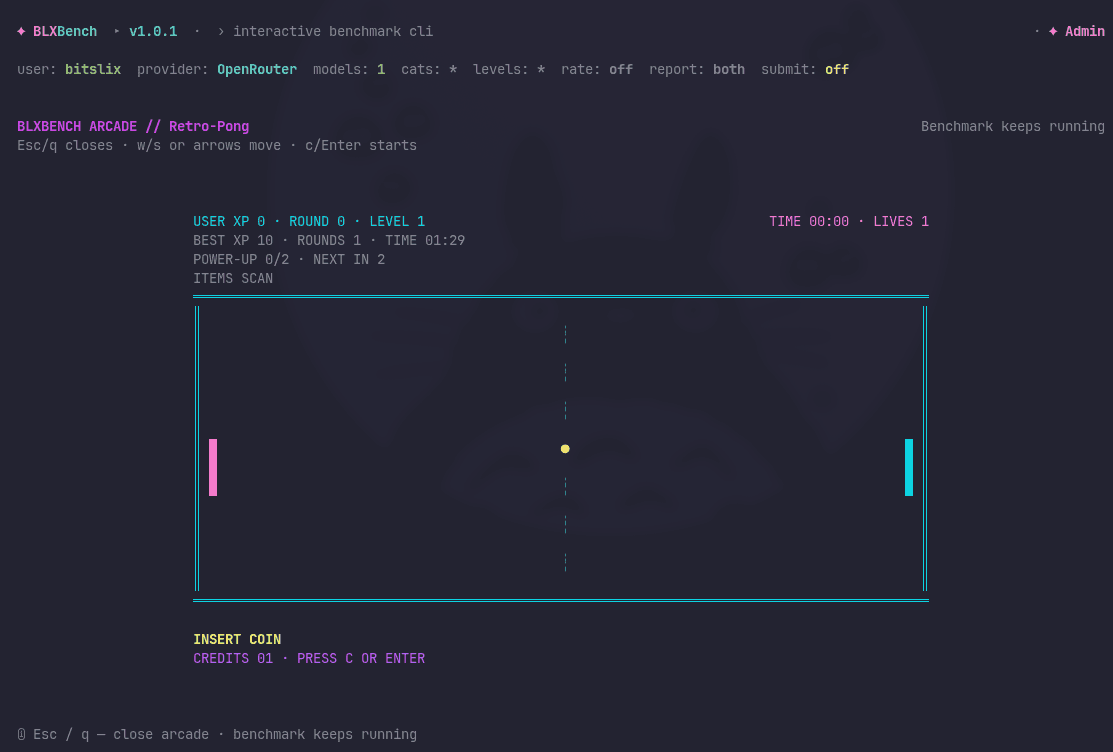
Retro-Pong (attract / insert coin):
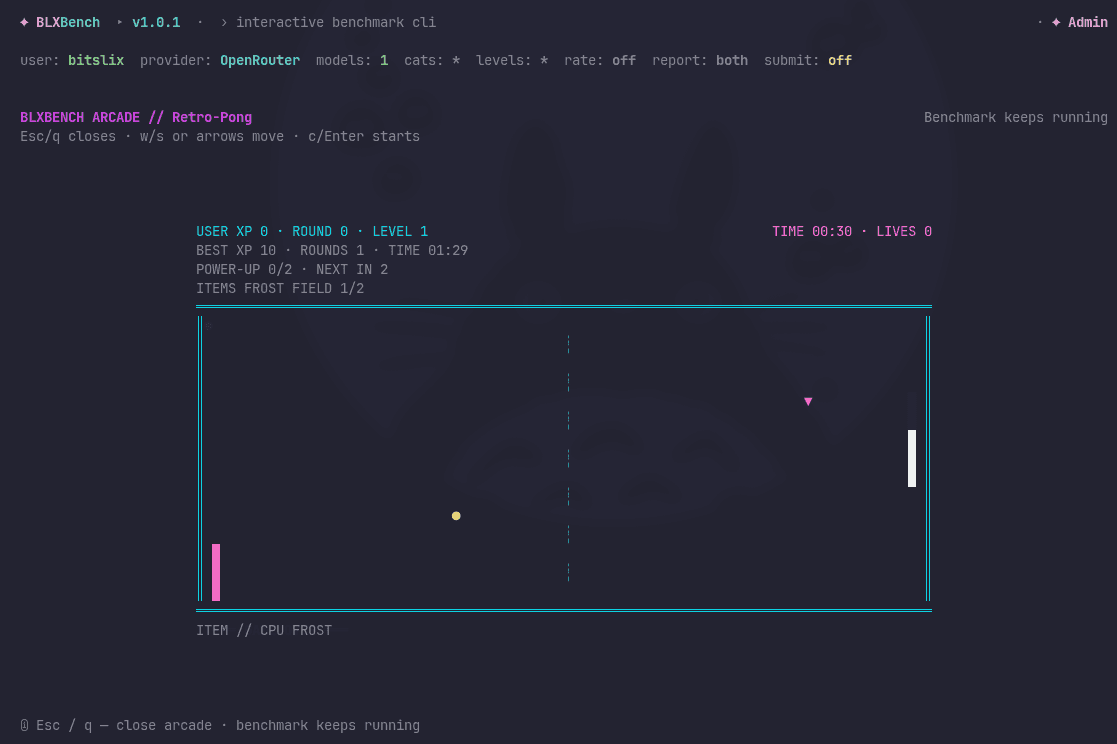
Retro-Pong (in action with power-up item):
More games
Additional cabinets can be registered in the CLI over time; /help Tab completion will list /arcade with the rest of the slash commands.